
Imagine your website as a bustling marketplace. You’ve poured your heart and soul into crafting a beautiful storefront, stocking it with high-quality products (content), and ensuring a smooth customer experience (website navigation). But how do you know if anyone is walking through the door? This is where website traffic checker come in. They act as virtual visitor counters, providing invaluable insights into how many people visit your website, where they’re coming from, and how they interact with your content. Website traffic checkers are vital resources in SEO (Search Engine Optimization) for gauging your progress and pinpointing improvement areas. With the help of this thorough guide, you will be well-equipped to use website traffic checkers to advance your search engine optimization efforts.
What is a Website Traffic Checker?
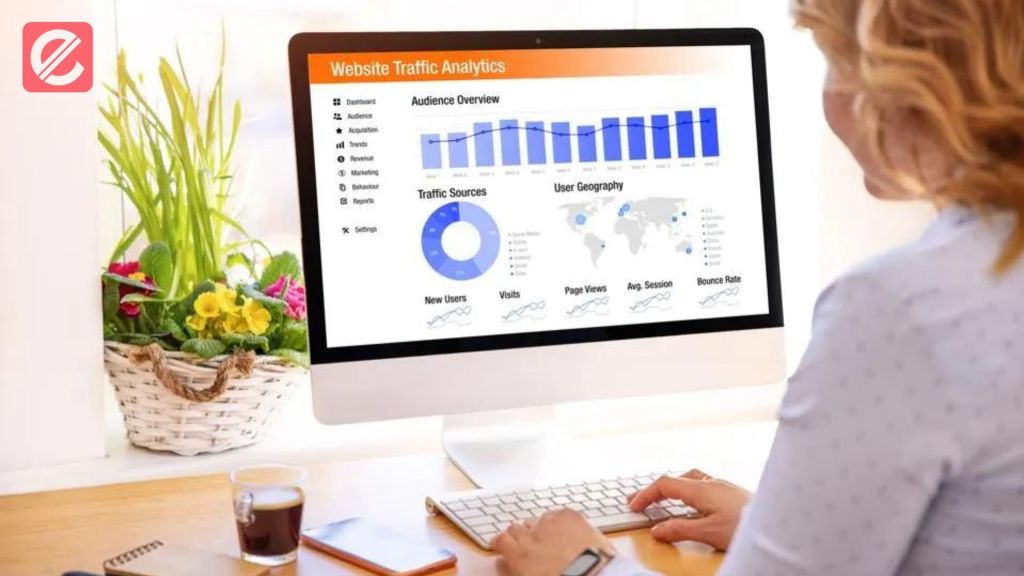
A website traffic checker is one instrument that collects information on the number of people visiting your website. It provides a wealth of information, including:
- Total Visits: This metric reveals your website’s overall number of visitors within a specific timeframe.
- Unique Visitors: This metric differentiates repeat visitors from those visiting your site for the first time.
- Traffic Sources: This metric identifies where your visitors are coming from, such as organic search (search engines), social media, referral links, or direct traffic (typing your URL in the address bar).
- Average Session Duration: This metric indicates how long visitors spend browsing your website.
- Page Views: This metric reveals the total number of pages viewed on your website during a visit.
- Bounce Rate: This statistic shows the percentage of users who don your website after only a page.
By analyzing this data, you can better understand your website’s performance and how effectively it attracts and engages your target audience.
How Can Website Traffic Checkers Help with SEO?
Website traffic checkers are crucial in optimizing your website for search engines. Here’s how:
Track Keyword Rankings and Identify Opportunities
Success with SEO depends on knowing which keywords bring visitors to your website. Often paired with keyword research tools, website traffic checkers can help you identify high-performing keywords and those with growth potential. This enables you to enhance your organic search ranking and customize your content strategy to target pertinent keywords.
Analyze User Engagement and Behavior
Traffic checkers provide insights into how visitors interact with your website. User engagement is indicated by average session time and bounce rate. High bounce rates and low session durations suggest that your content isn’t resonating with your audience or that your website navigation is confusing. You can optimize your content, improve website structure, and ultimately enhance user experience by pinpointing these areas.
Evaluate the Effectiveness of Marketing Campaigns
Are you getting visitors to your website from your social media campaigns? Are those targeted ads generating leads? Website traffic checkers help measure your marketing efforts’ return on investment (ROI). By analyzing traffic sources, you can identify which marketing channels are most effective in attracting visitors and adjust your strategies accordingly.
Monitor Website Performance and Identify Technical Issues
Website traffic checkers can reveal technical issues hindering your website’s performance. Sudden drops in traffic could indicate website downtime or indexing problems. Proactively monitoring traffic trends can help you promptly identify and address technical issues.
Using Website Traffic Checkers Effectively: Top Tips

With that out of the way, let’s take a look at some critical points for making the most of website traffic checkers:
- Choose the Right Tool: Numerous website traffic checkers are available, both free and paid. Free options like Google Analytics offer a good starting point, while paid tools often provide more advanced features and deeper data analysis.
- Set Up Goals and Track Progress: Clearly define your SEO goals (e.g., increasing organic traffic by 20%). Keep a close eye on your website’s traffic statistics to see how well these objectives are being met and to spot areas that still need improvement.
- Don’t Get Obsessed with Numbers: Traffic numbers are essential, but they tell just part of the story. To understand website performance comprehensively, concentrate on user engagement indicators such as bounce rate and session duration.
- Combine Data with Action: Don’t just collect data – use it to inform your SEO strategy. Based on your traffic data, make data-driven decisions to improve user experience, optimize the content on your website, and concentrate your marketing efforts.
Popular Website Traffic Checkers and Their Features
Here’s a quick rundown of some popular website traffic checkers and their key features to help you choose the right tool for your needs:
- Google Analytics (Free): A free and comprehensive website traffic checker offered by Google. It provides abundant information about user demographics, website traffic, and visitor activity. Google Analytics is still the industry standard for website traffic analysis, even if it may have a higher learning curve for novices.
- Semrush (Free and Paid Plans): A powerful all-in-one SEO toolset with a website traffic checker. The free version offers primary traffic data and insights, while paid plans unlock advanced features like keyword research, competitor analysis, and backlink tracking.
- Ahrefs (Paid): Another popular SEO suite with a robust website traffic checker. Ahrefs excels at providing in-depth competitor analysis, including organic traffic estimations and top-ranking keywords.
- Similarweb (Free and Paid Plans): This tool focuses on website traffic analysis and competitive intelligence. Similarweb provides website traffic estimations, traffic sources, and audience dem graphics. The free version offers limited data, while paid plans unlock more granular insights.
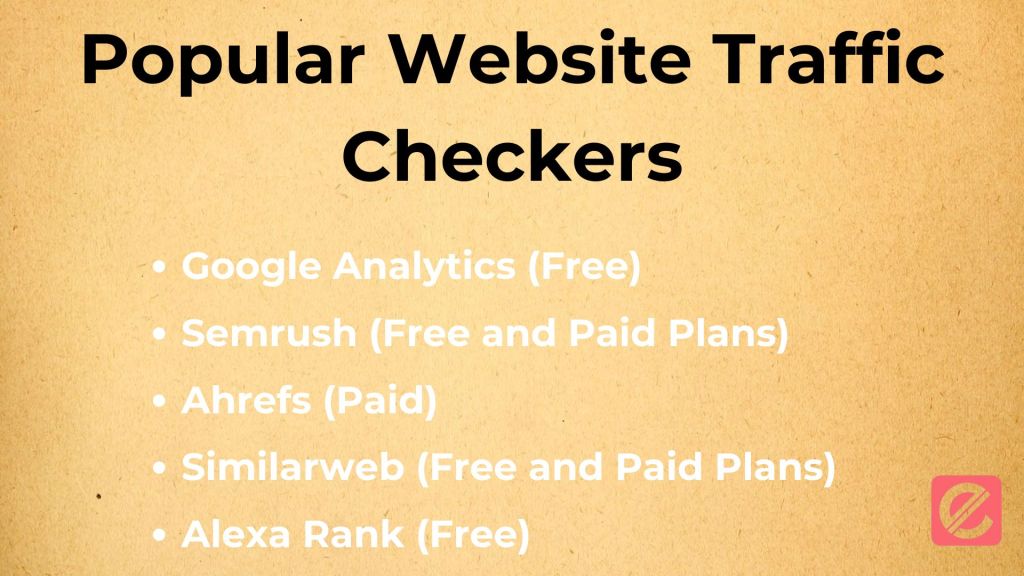
- Alexa Rank (Free): While less comprehensive than other options, Alexa Rank provides a basic website traffic ranking system. A lower Alexa Rank indicates a higher estimated traffic volume. However, it’s important to note that Alexa Rank is not always accurate and shouldn’t be the sole metric for measuring website traffic.
You may make an informed decision about your SEO strategy with the help of website traffic analyzers. By leveraging their data, you can optimize your website to attract visitors, improve user engagement, and achieve your SEO goals.
Ready to improve your SEO? Explore Elatre, a creative digital marketing agency crafting data-driven SEO strategies that produce accurate results. Contact Elatre for a free consultation today, and let us help you unlock your website’s full potential!